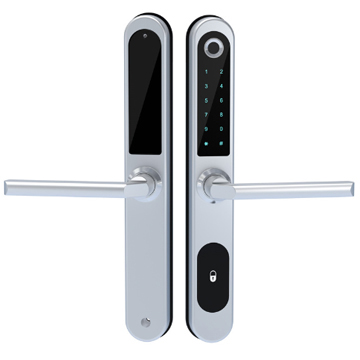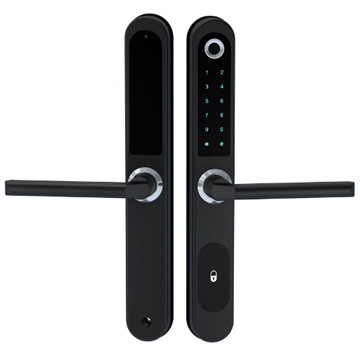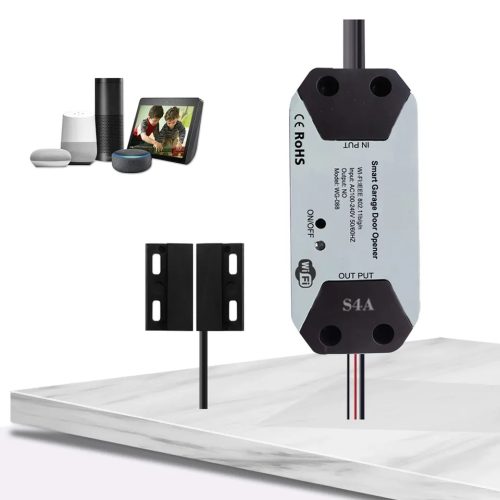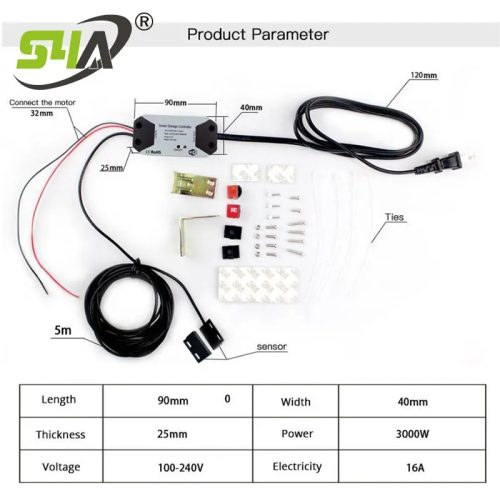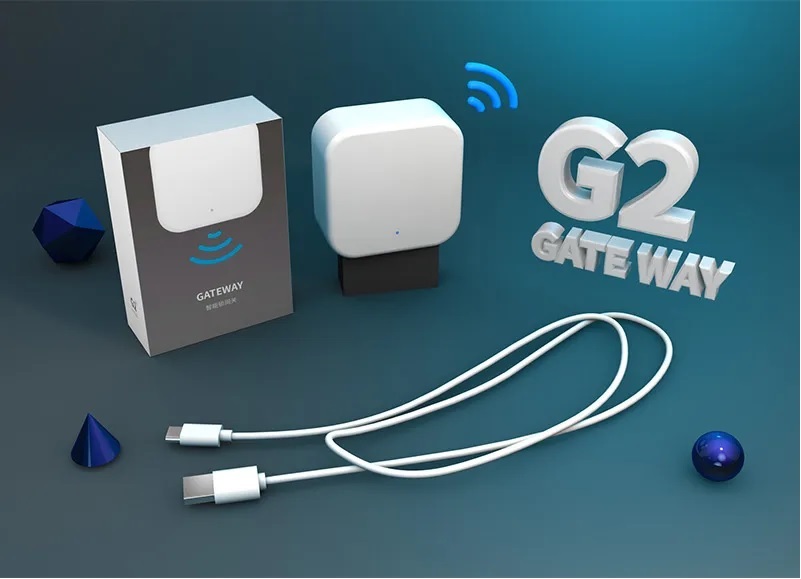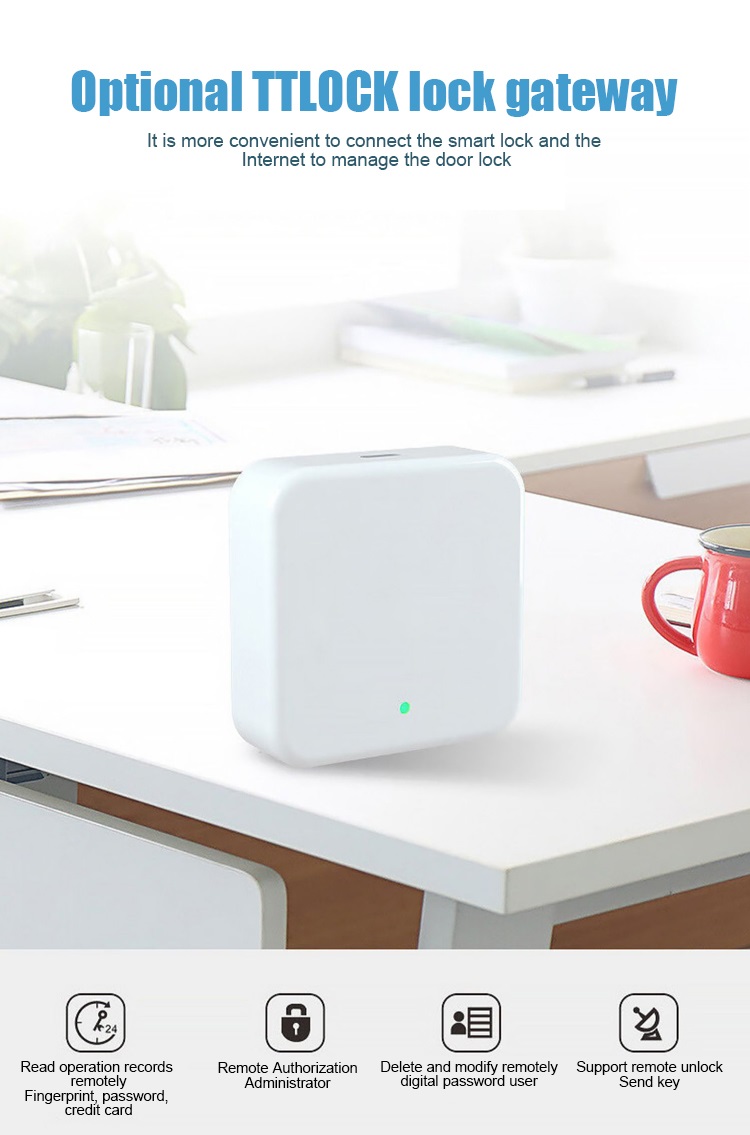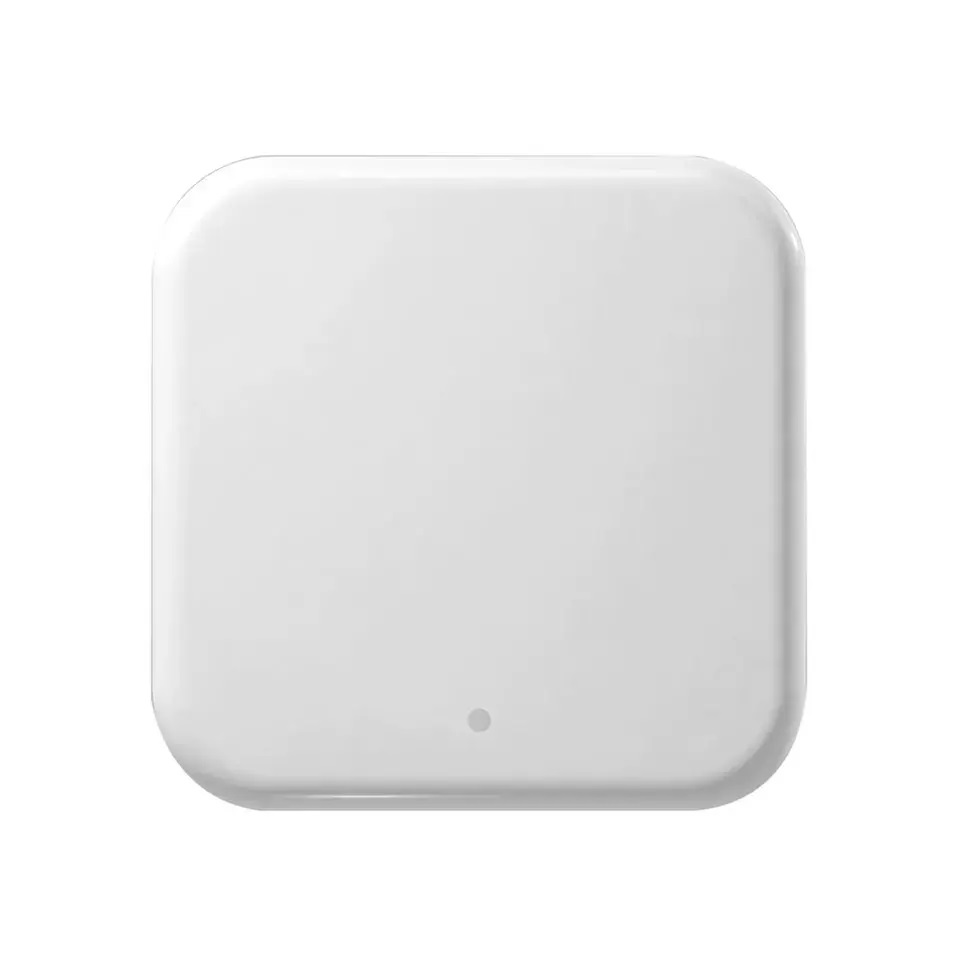
Wifi Gateway This wi-fi adapter will connect remotely, via the internet, between the smartphone, the internet router and the smart lock.
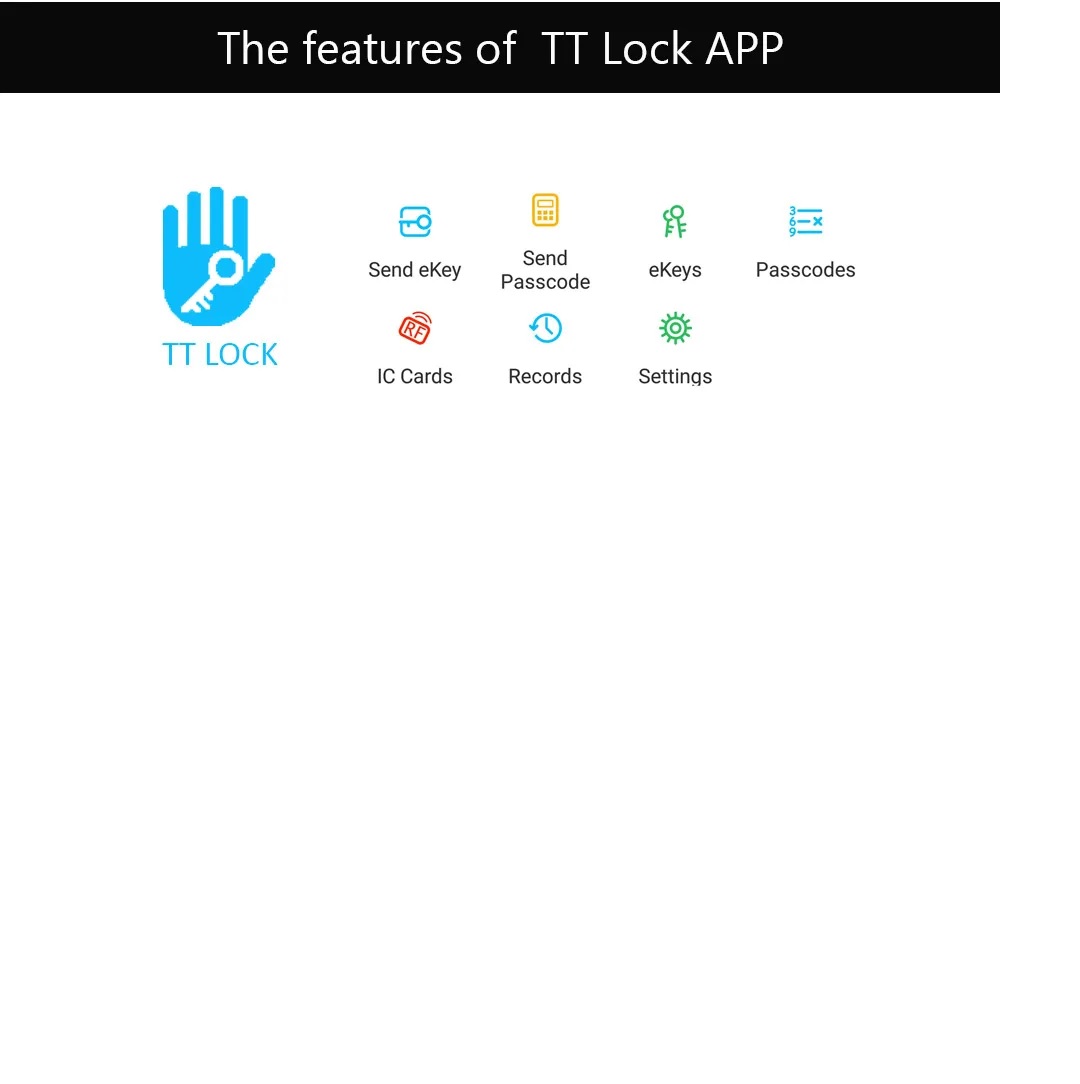
It is necessary to install the Ttlock application on the smartphone for the adapter to work.
The application allows:
Install the Ttlock application on your device.
Check if the lock has the batteries installed correctly and is under voltage. In the Ttlock application, click on + or ADD LOCK. It is necessary that the phone has active bluetooth.
After the Ttlock application has scanned and identified the lock, click on it. This can be renamed with the desired name.
In the Ttlock application, click on the icon with 3 small lines, in the upper left, and select “gateway”. Then connect the USB-C cable to a phone charger and power the gateway. Press + in the application and select G2 (wifi), then click next. The application will find the gateway, where you will select your Wi-Fi network, enter the password and give the gateway a name. After an interval of 1-3 minutes, the complete installation will be done, followed by the pairing of the lock with the gateway. It must be mounted at a distance of 2-4 meters from the lock (because it communicates with the lock via bluetooth), and the Wi-Fi signal must be strong.
Deactivate the phone’s bluetooth and try to generate an access code. If the access code has been successfully generated, you will be able to generate access codes from any other place (on the planet), provided that there is internet access both for the phone and in the location where the lock is located.
This Gateway is used to connect locks to WiFi network.
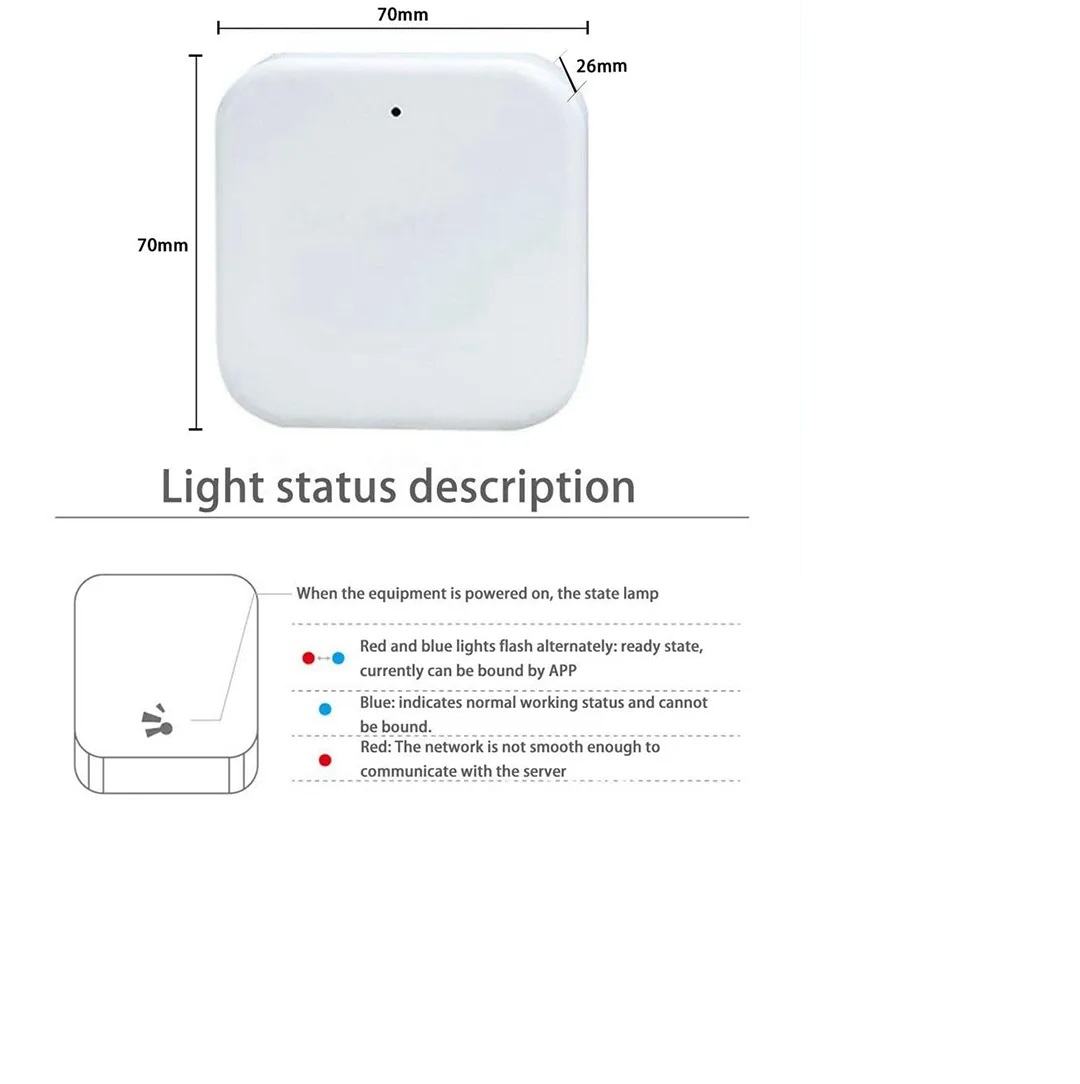
When the Gateway is powered on
Light flashes alternately in red and biue:stand-by mode ,ready for pairing
Blue light:Working mode
Red light :Network failure


| Weight | 1 kg |
|---|---|
| Dimensions | 20 × 10 × 5 cm |